Photo and URL Format on Member Slides in BNI Plus

Change the photo format and URL display of individual members photos, for introductions and presentations, in BNI Plus.
Before the synchronization of member data between Plus and Connect, the members photos were displayed in portrait mode. The display of the website URL was user controlled and could be made readable, case sensitive, and look nice, as in this example. www.HeronMedia.ca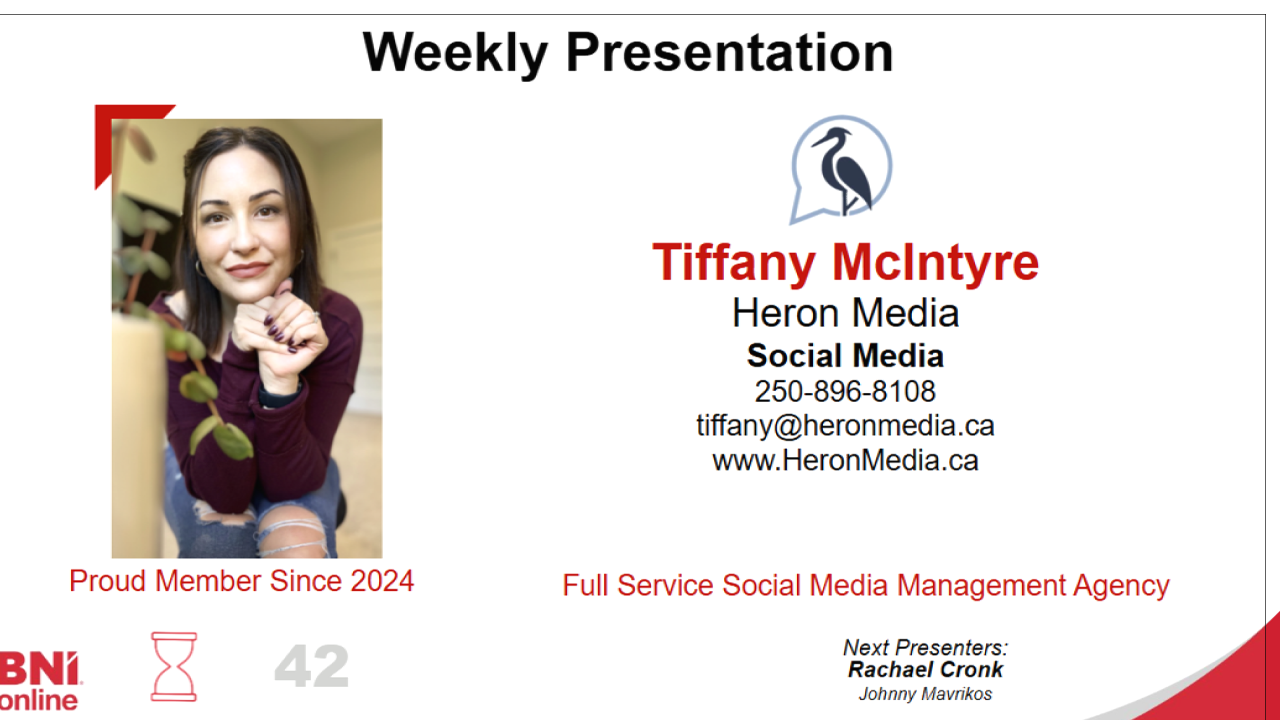
But now that Plus automatically pulls data, it pulls square photos from BNI Connect, and the full URL, as in this example.
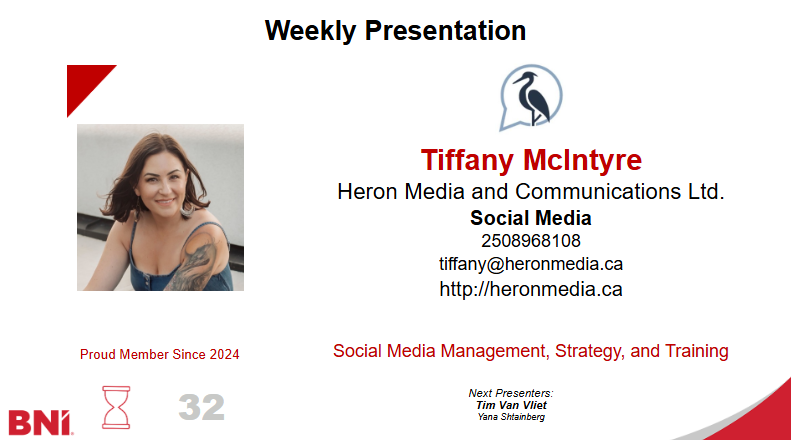
My request is to have the photos from Connect be displayed in portrait mode.
And for the URLs either to be user editable in Connect for display, or strip out the http etc. for display.
1
Please sign in to leave a comment.
Comments
0 comments