BNI App security levels and earlier software versions

I managed to upgrade my phone to Android 5, and the BNI app now works again. Thanks for your assistance with diagnosing the issue.
I do find it slightly odd that the five banking apps (ASB, Westpac, BNZ, KiwiBank, First Direct) I have installed were all quite happy with the security level of Android 4.4.4. I'd have expected them to be a lot more paranoid than the BNI app, when you consider what's at stake if there's a security issue.
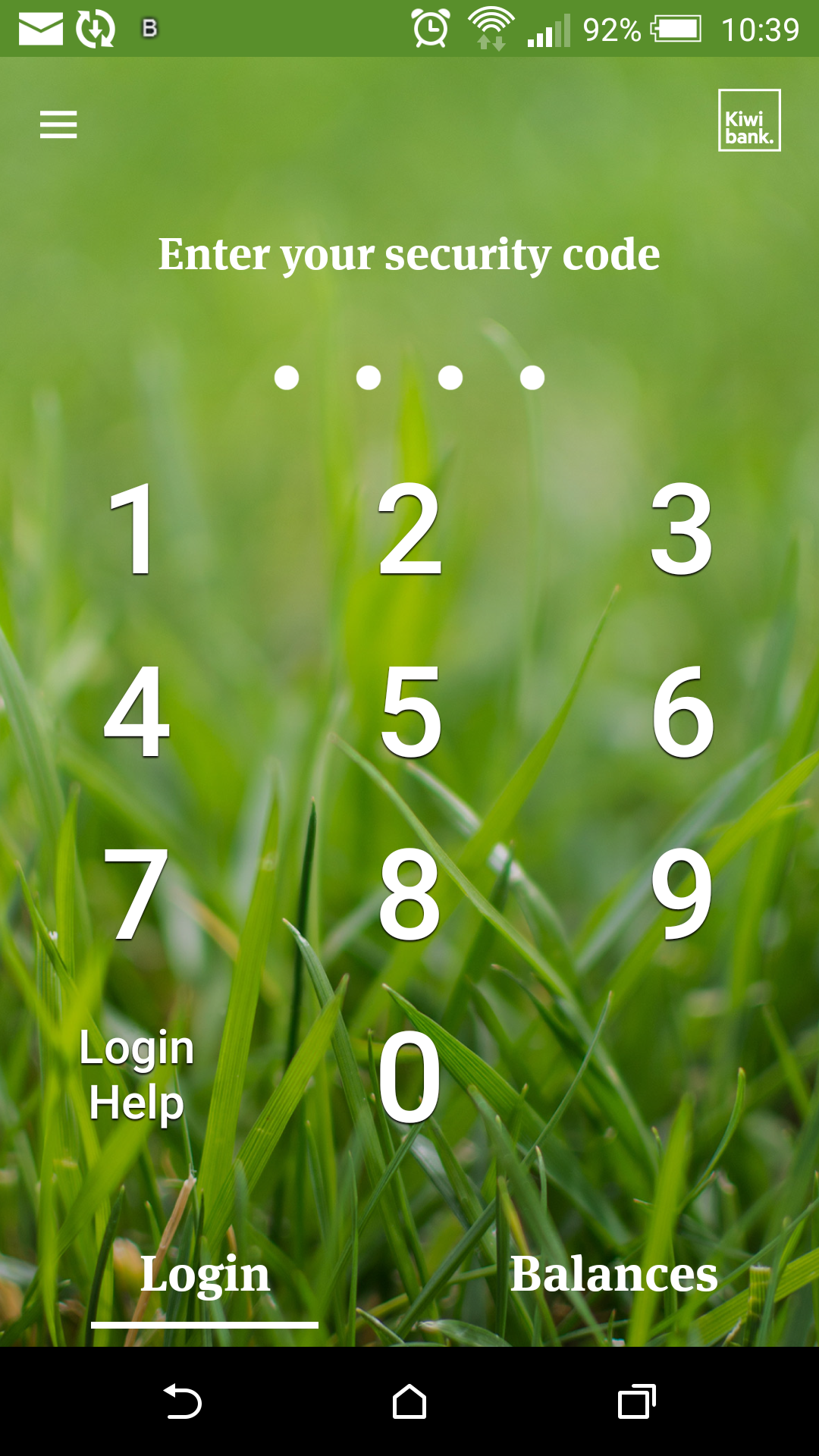
One feature all of these apps and the Xero accounts app have is the ability to set a 5 digit pass code once you've logged in which you then enter each time rather than the username/password.
This is a lot more convenient than having to enter username and password every single time you open the app and is a feature that I'd really like to see the BNI app adopt.
-
Official comment

@sarah - in the last version we did add the ability to use a fingerprint rather than a password, though your suggestion for a passcode is a great one that we can consider for the future. Thanks for the suggestion, we have officially added it to "the list"!
Have a great weekend!
-

+1. I spent quite a while fiddling about clearing cache, data uninstalling and reinstalling the app following the last upgrade, but nothing would get it to go again. It shouldn't even have allowed me to install if the version of Android wasn't compatible.
The PIN code login feature is one that would be extremely useful. Those of us who no longer have the benefit of youthful eyesight and who have forgotten more than most millennials ever knew struggle to remember passwords, let alone type them in accurately in a really quite small window, particularly at 7AM while trying to focus on the meeting. If it's good enough and secure enough for banking apps where the potential for loss is far greater, it's perfectly adequate for the BNI app, where the information really does not matter that much at all.

Compared with
 0
0
Please sign in to leave a comment.
Comments
2 comments